










Making a Ripple Simulation with WebGL
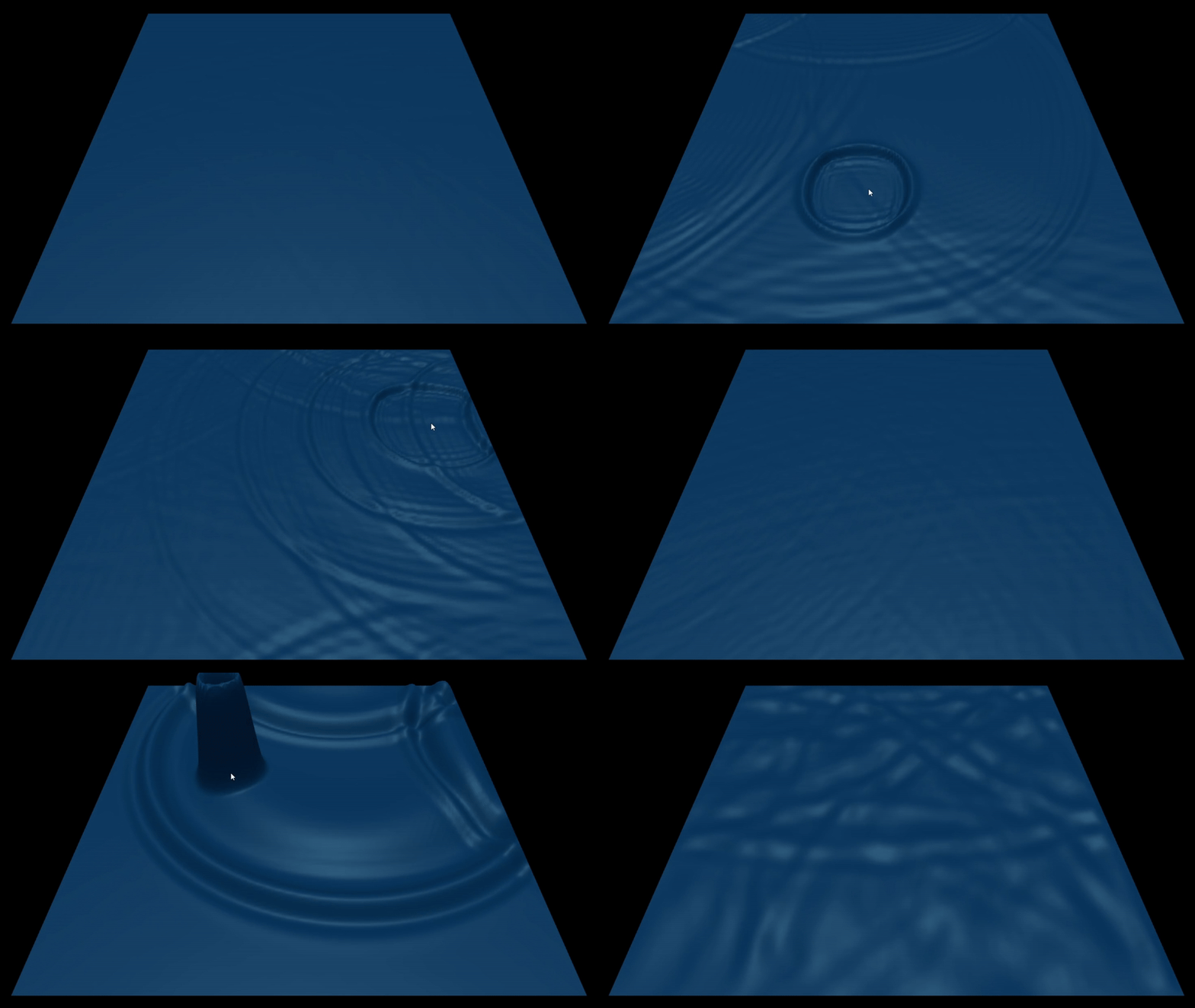
I actually started this project to learn WebGL for my graphics programming class and thought it would be fun to make a ripple simulation. I always found waves to be visually appealing and I thought it would be a good challenge. I did a little research to get an idea of how to simulate waves and I found the discrete wave equation I used. I also learned how others had accomplished similar tasks with heightmaps. My plan was simple at first, create a grid of vertices where the 3rd dimension is the height of the wave. I then planned to use a heightmap to simulate the wave propagation. Getting the height and applying it to the equation was a bit challenging. I had to simplify the equation as much as I could so I could actually work with it. Essentially the math boiled down to looking at how much each point differs from its 4 neighbors. That value determined whether the waves (height) would be pulled up or down. This was the laplacion operator. Then my wave speed variable is actually wave speed squared but I found that it was too sensitive. I then multiplied that by a damping value to control how quickly the waves lost energy. This project was also a great opportunity to learn how to use Three.js. My original project idea was only meant to be 2D, but it didn't take as long as I expected so I decided to add a 3D view. Surprising to me, Three.js abstractions helped me understand webGL better too. The final result of this project is both a 2D and 3D simulation of waves. This project taught me a lot about buffers, drawing frame by frame, and how GPU shaders work. This project was great for learning the fundamentals of webGL and Three.js.
View Source →